LaTeX Align Environment: Multi-Line Equations Done Right
July 30, 2026

A derivation that runs over several lines should line up on its equals signs. That is what the align environment is for. This guide covers align and align*, how the & marker actually works, equation numbering and labels, and when gather, split or cases is the better choice.
align vs align*
Both come from amsmath. The difference is numbering: align numbers every line, align* numbers none. The starred form is the one you want for scratch work and intermediate steps.
What the & actually does
This is the part that trips people up. The & is not “align on the equals sign” — it is an alignment marker that says this point in every line lines up with each other. Convention puts it immediately before the relation:
Put the & before the =, not after. Placing it after (= &) left-aligns the right-hand sides but leaves the equals signs ragged, which is the single most common cause of “my align looks wrong”.
An align with a pair of & per line creates two aligned columns, not one. Use that for side-by-side equations; use a single & for an ordinary derivation.
A worked example
Integrating an equation of motion twice picks up two constants. The align* keeps the equals signs stacked down the page, and \underbrace annotates the pair without disturbing the line spacing:
Numbering, labels and cross-references
With align, every line gets a number. To suppress the number on one line only, use \nonumber (or \notag) on that line:
Then refer to it with \eqref{eq:result}, which adds the parentheses for you, rather than plain \ref. Put the \label on the line you want to cite, not at the top of the environment.
When align is the wrong tool
gather — several equations, no alignment
If the lines are unrelated and you just want them centred, use gather. It takes no & markers at all.
split — one equation, one number
A single long equation broken across lines should get one number, not one per line. Nest split inside equation:
cases — a piecewise definition
Spacing and long lines
- Add vertical space after a row with an optional argument on the row break:
\\[6pt] - Never leave a blank line inside a math environment — it ends the paragraph and produces
Missing $ inserted - Use
\quadand\qquadfor deliberate horizontal gaps, and\text{...}for words inside math - For a line too wide for the page, break it with
\\and indent the continuation with an extra&
For more on the surrounding notation, see our guides on fractions and matrices.
Try it free
Stop placing ampersands by hand.
Photograph a page of working and get the aligned environment back, numbered and compiling. Then keep editing it in the same editor.
Convert your page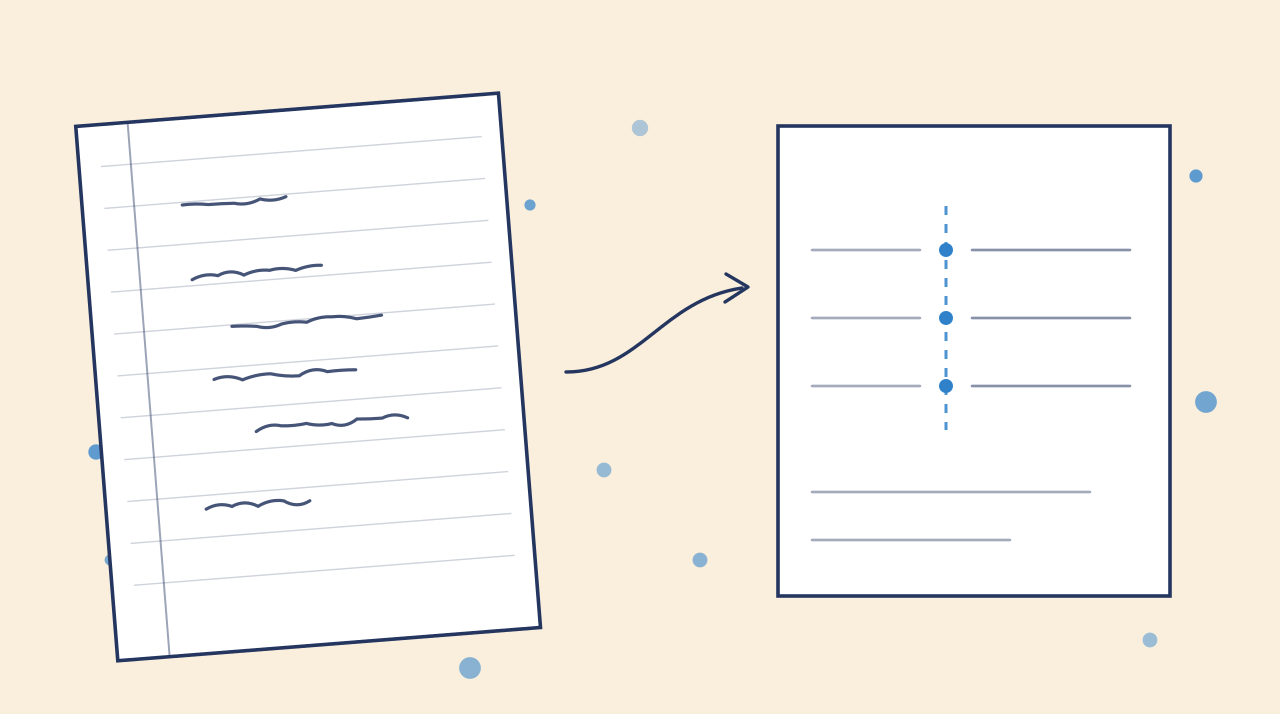

Practical tools for academic writing, document conversion, and research workflows.
Go to appContact usAsk AI about Underleaf
© 2026 Underleaf. All rights reserved.