
Accessibility
Make STEM documents accessible to everyone
Convert inaccessible scanned PDFs and images into editable LaTeX, then recompile with accessibility packages to produce tagged, screen-reader-friendly documents.
Built for institutional compliance
Underleaf helps your institution meet accessibility requirements across federal, state, and international standards.
WCAG 2.1 AA
Our tools and output documents meet Web Content Accessibility Guidelines for perceivable, operable, and understandable content.
Section 508
Compliant with federal accessibility requirements for electronic and information technology used by institutions receiving federal funding.
ADA Compliance
Supports institutional obligations under the Americans with Disabilities Act to provide equal access to educational materials.
PDF/UA (ISO 14289)
Generate tagged PDFs with structured headings, MathML, and alt text that conform to the Universal Accessibility standard.
The remediation workflow
Standard LaTeX PDFs are largely inaccessible to screen readers — equations are opaque, structure is undefined, and figures lack alt text. Here's how Underleaf fixes that.
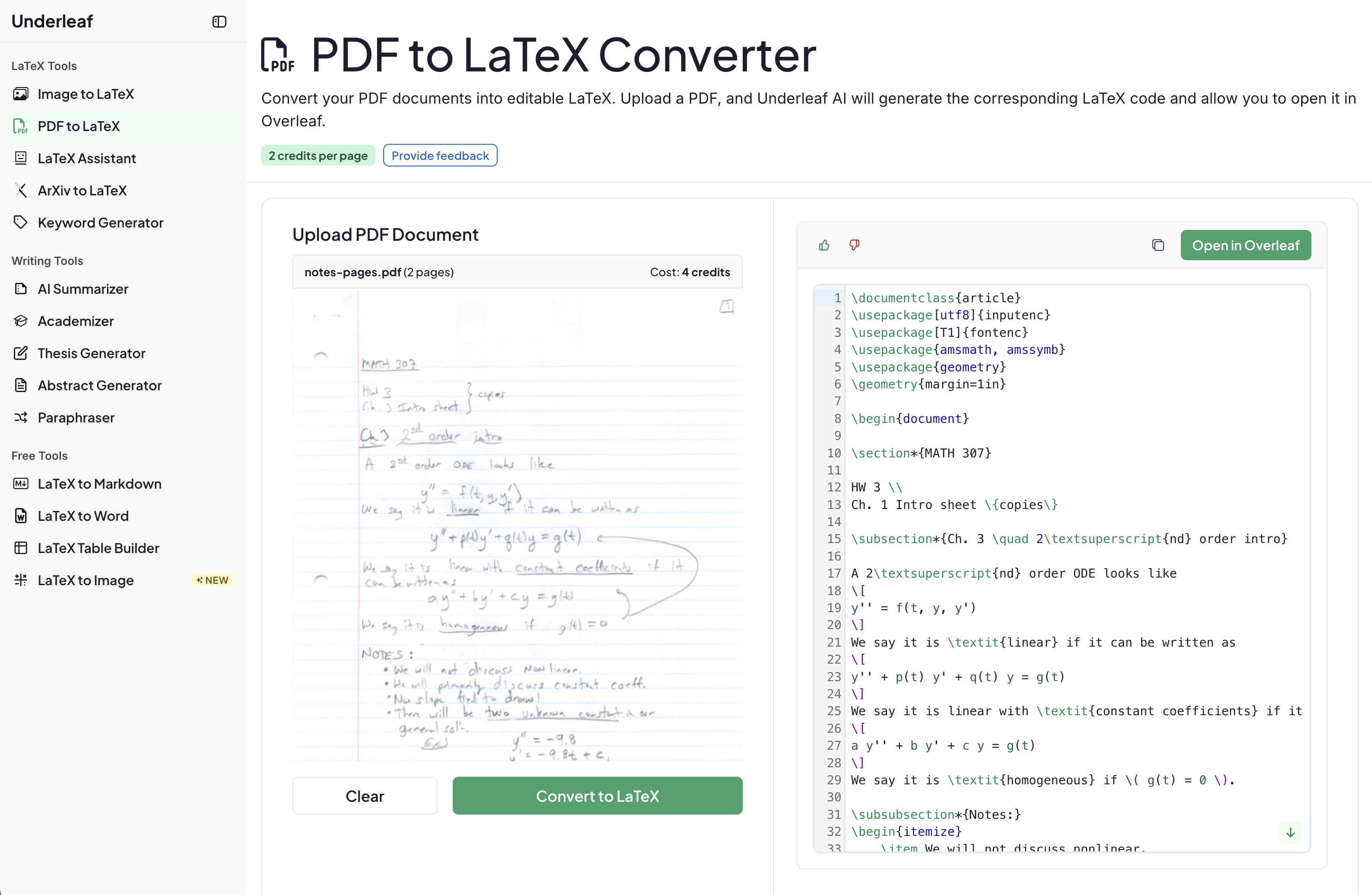
- Upload a scanned PDF or image of equations to Underleaf.
- We extract math, text, and tables into clean, editable LaTeX.
- Add accessibility packages like tagpdf or axessibility to your preamble.
- Recompile to produce a tagged PDF with structured headings, MathML, and alt text.
Need a practical starting point? Compare a regular PDF with an accessible PDF or review our PDF remediation service.
Accessible Platform
Our tools are accessible too — not just the output
Underleaf itself is built with accessibility at its core. Every feature — from the editor to the conversion tools — is designed so that users of all abilities can work independently.
See how universities use UnderleafScreen reader optimized
Full ARIA support and semantic markup across every feature.
Keyboard navigation
Complete functionality without a mouse — every action is reachable.
High-contrast modes
Adjustable contrast and font sizing for users with low vision.
Need help with document remediation?
Whether you need to remediate a backlog of documents or set up an accessible workflow for your institution, we're here to help.