Frequently Asked Questions
Find answers to common questions about Underleaf
Underleaf is an AI-powered platform for academic writing and LaTeX. Its core superpower is conversion: turn PDFs, images, equations, handwritten notes, and whiteboard photos into clean, compilable LaTeX in seconds. You can use it in two ways:

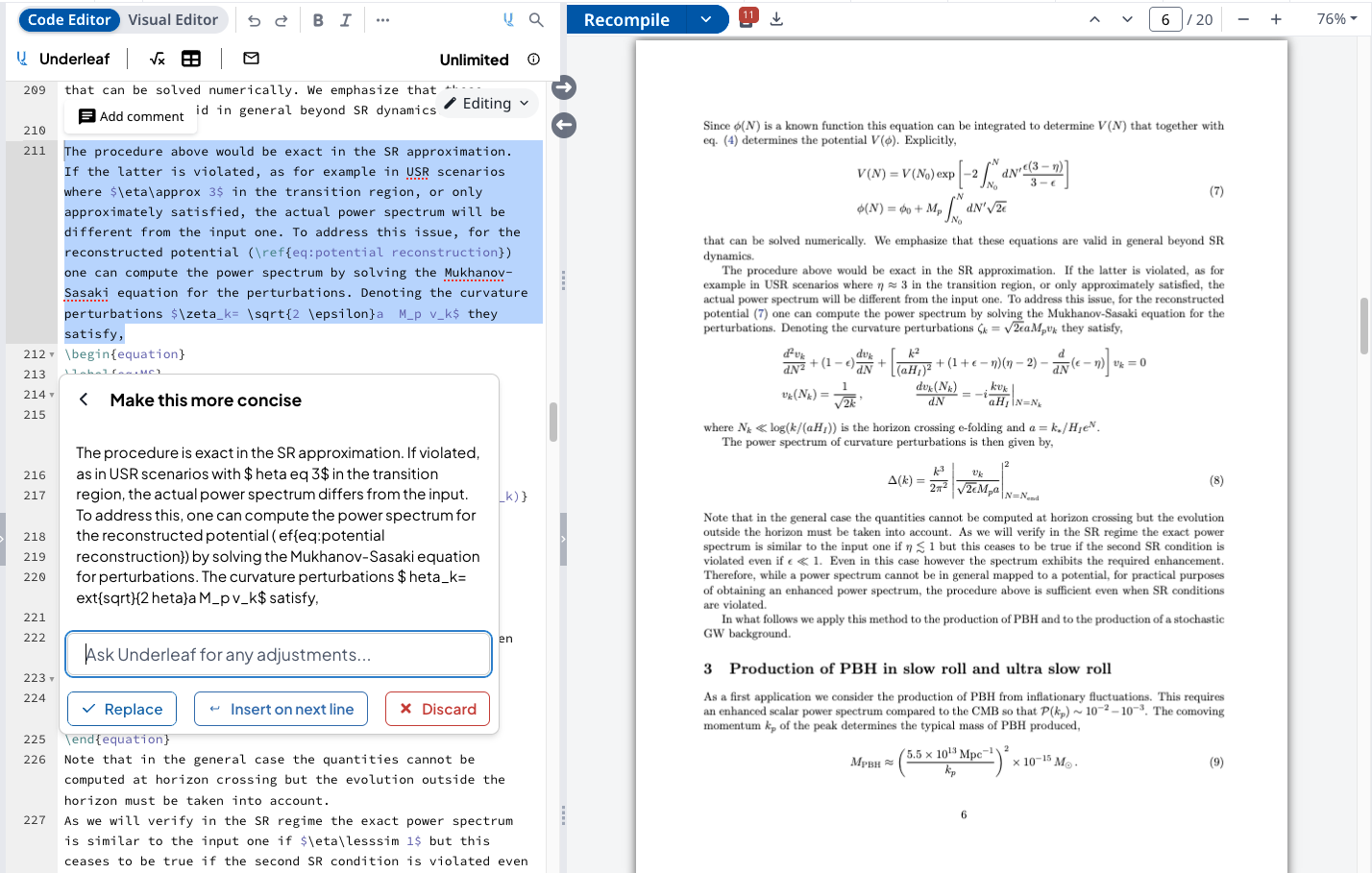
The free plan includes:
• 10 credits per month
• Access to all LaTeX conversion tools
• Image to LaTeX, PDF to LaTeX, and more
• Chrome extension with AI writing tools
• Editor dark mode
To get more credits and features, consider upgrading to Essentials or Pro.
View PlansEach AI-powered action (like converting an image to LaTeX or using AI edits) uses credits. Credits reset monthly based on your plan:
• Free: 10 credits/month
• Essentials: 200 credits/month
• Pro: 500 credits/month
Credits are shared between the web app and the Chrome extension.
Both plans remove free tier limitations:
Essentials ($6/month billed annually):
• 200 credits/month
• Convert up to 10 pages per PDF
• Email support
Pro ($12/month billed annually):
• 500 credits/month
• Convert up to 20 pages per PDF
• Priority support
• Early access to new features
Compare PlansYes, you can cancel your subscription at any time. Your credits will remain available until the end of your billing period, and you can continue using the free plan afterwards.
Our secure Stripe checkout supports all major credit cards.
The Underleaf web app includes:
• Image to LaTeX converter
• PDF to LaTeX converter
• Handwritten notes to LaTeX
• Image to TikZ diagrams
• Table generators and editors
• Citation and bibliography tools
• Abstract and thesis statement generators
The Chrome extension adds AI features right where you write:
• AI-powered text editing and rewriting
• Find and insert citations
• Generate equations and tables from descriptions
• Convert images to LaTeX inline
• Editor dark mode
• arXiv paper template extraction
Install the Chrome extension, then:
1. Click the Underleaf extension icon in your browser and use the dark mode toggle.
2. Or open the Underleaf toolbar in your editor and click the settings icon.
This usually happens when the subscription email doesn't match your Underleaf account email. To resolve this:
1. Check which email you used during subscription (check your receipt)
2. Make sure you're logged into app.underleaf.ai with the same email
3. If they don't match, contact us at team@underleaf.ai with both email addresses
There are several ways to get help with Underleaf:
• Email us at team@underleaf.ai
• Check our detailed guide for Chrome extension usage instructions
Pro subscribers receive priority support with faster response times.
The Chrome extension is available for Google Chrome and Chromium-based browsers (Edge, Brave, etc.). The web app works in any modern browser.
Want to see the extension on Firefox or Safari? Let us know at team@underleaf.ai
Yes, we take data security seriously. Underleaf:
• Only processes content that you explicitly submit
• Never stores your document content permanently
• Uses encrypted connections for all data transfers
• Doesn't access your editor account credentials
For more details, please review our Privacy Policy.
Try it free
Convert your first PDF to LaTeX.
The fastest way to see how Underleaf works: upload a PDF and get clean, compilable LaTeX in seconds. 10 free credits every month — no credit card required.
Start Converting