Converters
Converters
Equation to LaTeX Converter
Turn a photo, screenshot, or plain-English description of any equation into clean LaTeX code
Input
Equation Information
Click to select or drag and drop
Supports PNG, JPG, and JPEG
Output
LaTeX Code
Ready to use in your LaTeX documents
Enter an equation or upload an image, click convert, and your LaTeX code will appear here.
How to convert an equation to LaTeX
- 1
Add your equation
Upload a photo or screenshot of the equation, or just describe it in plain English, like 'quadratic formula' or 'integral of x squared from 0 to 1'.
- 2
Click Convert to LaTeX
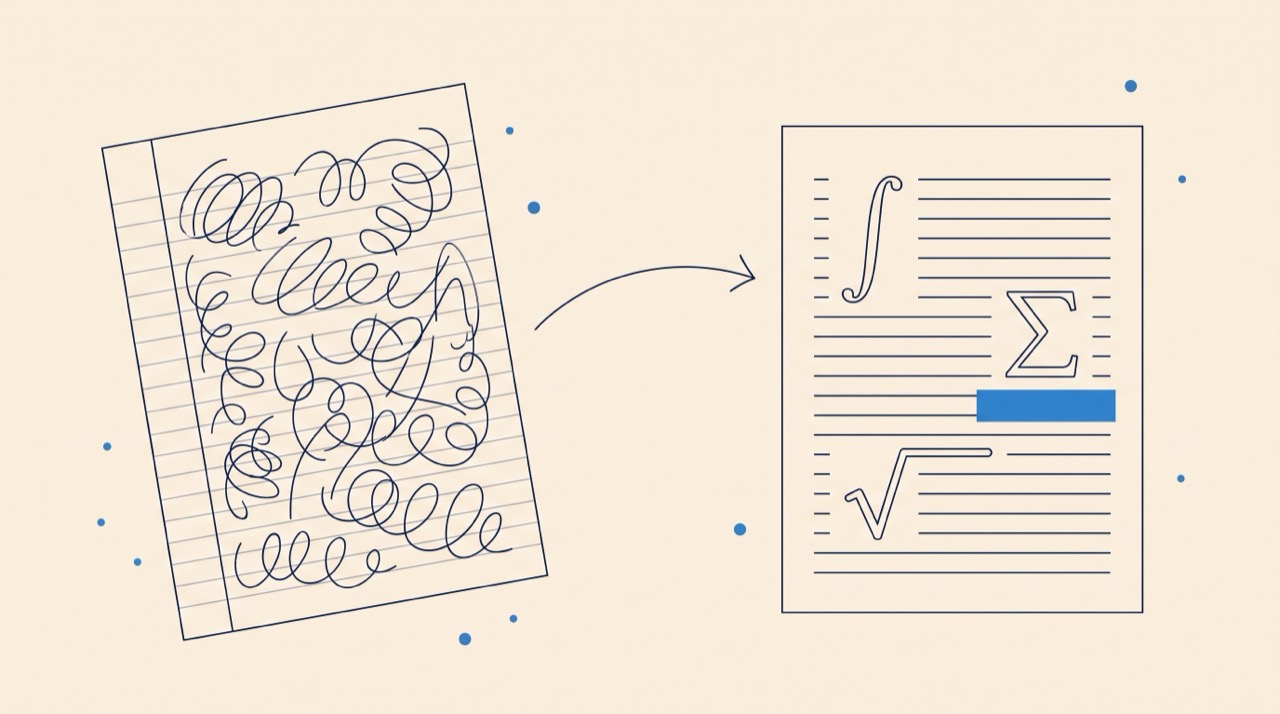
The AI reads the math, whether it is typeset, handwritten, or described in words, and writes the LaTeX for it in a couple of seconds.
- 3
Copy, preview, or download
Check the rendered preview against your source, then copy the code into your document or download it as a .tex file or PDF.
What kinds of equations work
Photos of textbook pages, lecture-slide screenshots, PDFs of papers, and handwritten formulas all convert, including multi-line derivations, fractions, integrals, sums, and Greek symbols. If your source is a full page of notes rather than a single formula, the Image to LaTeX converter handles whole documents, the handwriting to LaTeX guide covers messy notebook pages specifically, and the Math OCR page explains how the recognition works under the hood.
From a picture of math to compilable code
The converter outputs standard LaTeX math you can paste straight into any document: inline math between \(...\) or display math in an equation environment. If you are still getting comfortable with the notation itself, the guides on integrals and sums, matrices, and Greek letters and symbols show what each command does, so you can edit the generated code with confidence.
Frequently asked questions
Is the equation to LaTeX converter free?
Yes. You can convert equations for free without creating an account; heavier use is covered by the free trial of the full Underleaf app.
Can it read a photo of an equation?
Yes. Upload a photo or screenshot and the AI reads the math directly from the image, including textbook typesetting and lecture slides.
Does it work on handwritten equations?
Yes. Handwritten formulas from notebooks and whiteboards convert well. The clearer the writing, the better the result, and the rendered preview makes it easy to spot anything to fix.
How accurate is the LaTeX output?
Typeset math converts with very high accuracy; handwriting depends on legibility. Every conversion shows a rendered preview next to the code so you can verify it against your source before using it.
Do I get inline or display math?
The output is standard LaTeX math notation. Wrap it in \(...\) for inline use or an equation environment for numbered display math; both work in any LaTeX document.