Converters
Converters
Beta
Markdown to Typst Converter
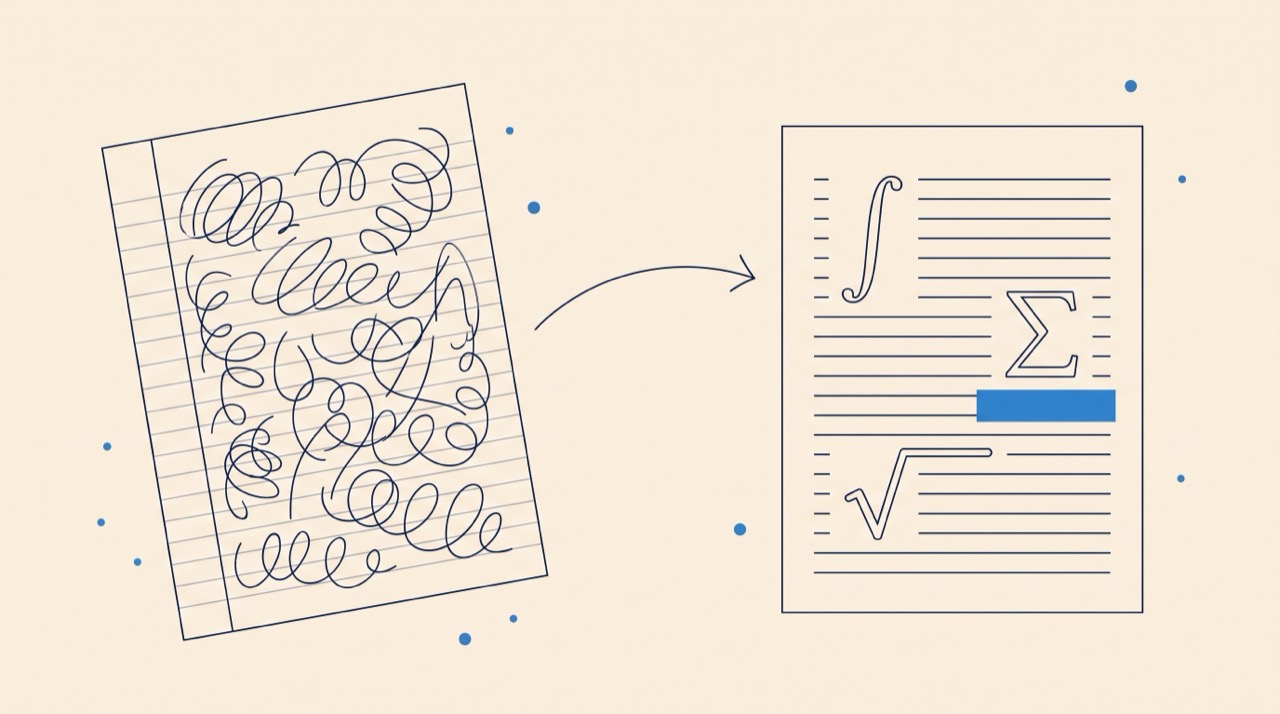
Paste Markdown, get Typst — converted as you type and compiled live in your browser. From lightweight notes to publication-ready typesetting.
Input
Markdown Input
Converts automatically as you type. Everything runs in your browser — your Markdown is never uploaded.
Loading converter...
Output
Typst Output
Paste Markdown, click convert, and your Typst markup will appear here.
Notes · Best results
01
Standard Markdown
CommonMark and GitHub-flavored syntax convert most reliably.
02
Math notation
Use $...$ and $$...$$ for equations.
03
Tables
Pipe tables become Typst #table blocks.
04
Keep editing
Paste the output into our free Visual Typst Editor to keep writing and export a PDF.
Frequently Asked Questions
How do I convert Markdown to Typst?
Paste your Markdown into the input box and it converts automatically as you type. Headings, lists, tables, math, code blocks, and links are translated into Typst markup, and the result is compiled with the real Typst compiler for a live preview — entirely in your browser, so nothing is uploaded.
Is the Markdown to Typst converter free?
Yes. The converter runs entirely inside your browser and is completely free with no sign-up required.
Why write in Typst instead of Markdown?
Typst gives you publication-quality PDF output with precise control over typography, page layout, figures, and citations — things Markdown can't express — while keeping a lightweight, readable syntax.
Does math syntax convert automatically?
Yes — $inline$ and $$display$$ math in your Markdown are translated to Typst's native math syntax, including integrals, fractions, and Greek letters.
Is my Markdown uploaded to a server?
No. Both the conversion and the Typst compilation for the preview run entirely in your browser. Your notes never leave your machine.
Does the converter use AI?
No. The conversion is rule-based and runs locally in your browser. The output is deterministic — the same Markdown always produces the same Typst.
How do I turn the result into a PDF?
The preview tab already shows the compiled document. Download the .typ file and compile it with the Typst CLI, or paste it into our free Visual Typst Editor to keep editing and export a PDF directly.