
Getting Started
Text Formatting
Mathematical Expressions
Document Structure
Page Layout
Accessibility
Errors & Troubleshooting
LaTeX Style Files (.sty)
A .sty file is a LaTeX style file — essentially a custom package. It lets you bundle commands, environments, and formatting rules into a single reusable file that you load with \usepackage. If you've ever had a preamble that spans 50+ lines of custom macros, a style file is how you clean it up.
Why Use a .sty File?
Reusable Across Projects
Define your macros once, use them in every paper. No more copying preambles between documents.
Clean Preamble
Replace dozens of \newcommand lines with a single \usepackage{mycommands}.
Team Consistency
Share a .sty file with co-authors so everyone uses the same notation and formatting.
Works with AI Tools
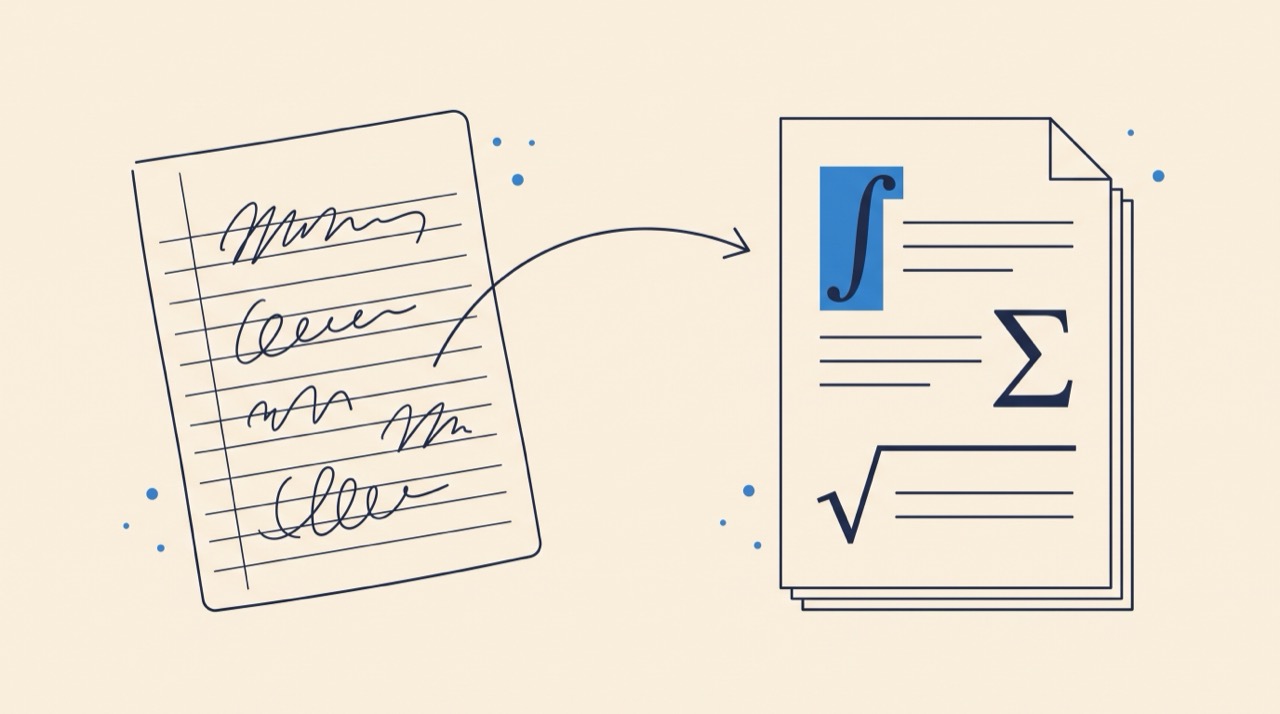
Underleaf's Image to LaTeX and PDF to LaTeX tools can use your custom .sty files for output that matches your notation.
Creating Your First .sty File
A style file is a plain text file with a .sty extension. At minimum, it needs one line to identify itself. Create a file called mycommands.sty in the same directory as your .tex file:
Then load it in your document:
Anatomy of a .sty File
\NeedsTeXFormat{LaTeX2e}— Declares that this package requires LaTeX2e (the current standard). Optional but good practice.\ProvidesPackage{name}[date description]— Identifies the package. The name must match the filename (without.sty). LaTeX uses this to prevent loading the same package twice.\RequirePackage{name}— The .sty equivalent of\usepackage. Use this instead of\usepackageinside style files to load dependencies.\newcommand,\renewcommand,\newenvironment— Your custom definitions.\endinput— Marks the end of the file. LaTeX stops reading here. Optional but recommended.
Common Patterns
Custom Environments
Style files can define custom environments, not just commands:
Package Options
You can make your style file accept options:
Load with options: \usepackage[draft]{mycommands}
Operator Shortcuts
A popular pattern is bundling field-specific operator macros:
Use Your .sty File with AI Tools
Underleaf's Image to LaTeX and PDF to LaTeX tools support custom .sty files. Upload your style file and the AI will use your custom commands in its output — so converted equations use \vv{x} instead of \bm{x}, matching your project's notation automatically.
Try It Free
Using .sty Files in Online Editors
Online editors fully support custom .sty files. Upload the file to your project root (or a subdirectory), and use \usepackage as normal:
- Click "Upload" in your editor's file panel and select your
.styfile - Add
\usepackage{mycommands}to your preamble - If the file is in a subdirectory, use
\usepackage{subdir/mycommands}
The .sty file is included when you download the project as a .zip or submit to a journal, so your co-authors and reviewers will have it automatically.
.sty vs .cls Files
You may also encounter .cls files. The distinction is simple:
.sty(style file) — Loaded with\usepackage. Adds commands and features. You can load multiple .sty files..cls(class file) — Loaded with\documentclass. Defines the document type (article, book, etc.). You can only have one.
Conference templates (like NeurIPS or ICML) typically provide a .cls file for the document layout and sometimes a .sty file for additional macros. Your own custom notation should go in a .sty file.
Best Practices
- Use
\newcommandnot\def—\newcommandgives an error if the command already exists, preventing silent overwrites.\defsilently replaces existing commands. - Prefix internal commands with @ — Commands like
\my@internal@helperwon't clash with user-level commands. The@character is not normally allowed in command names in .tex files, so this provides a natural namespace. - Use
\RequirePackageinstead of\usepackage— They do the same thing, but\RequirePackageis the convention inside .sty files and works before\documentclass. - Keep one file per concern — If your macros grow large, split into
math-notation.styandformatting.styrather than one giant file. - Version your .sty files — Include a date in the
\ProvidesPackageline. Track changes in Git alongside your documents.
Starter Template
Copy this template and customize it for your field:
Next Steps
Now that you know how to create style files, explore more LaTeX fundamentals or try converting your existing documents with AI.
LaTeX Style Files (.sty)
A .sty file is a LaTeX style file — essentially a custom package. It lets you bundle commands, environments, and formatting rules into a single reusable file that you load with \usepackage. If you've ever had a preamble that spans 50+ lines of custom macros, a style file is how you clean it up.
Why Use a .sty File?
Reusable Across Projects
Define your macros once, use them in every paper. No more copying preambles between documents.
Clean Preamble
Replace dozens of \newcommand lines with a single \usepackage{mycommands}.
Team Consistency
Share a .sty file with co-authors so everyone uses the same notation and formatting.
Works with AI Tools
Underleaf's Image to LaTeX and PDF to LaTeX tools can use your custom .sty files for output that matches your notation.
Creating Your First .sty File
A style file is a plain text file with a .sty extension. At minimum, it needs one line to identify itself. Create a file called mycommands.sty in the same directory as your .tex file:
Then load it in your document:
Anatomy of a .sty File
\NeedsTeXFormat{LaTeX2e}— Declares that this package requires LaTeX2e (the current standard). Optional but good practice.\ProvidesPackage{name}[date description]— Identifies the package. The name must match the filename (without.sty). LaTeX uses this to prevent loading the same package twice.\RequirePackage{name}— The .sty equivalent of\usepackage. Use this instead of\usepackageinside style files to load dependencies.\newcommand,\renewcommand,\newenvironment— Your custom definitions.\endinput— Marks the end of the file. LaTeX stops reading here. Optional but recommended.
Common Patterns
Custom Environments
Style files can define custom environments, not just commands:
Package Options
You can make your style file accept options:
Load with options: \usepackage[draft]{mycommands}
Operator Shortcuts
A popular pattern is bundling field-specific operator macros:
Use Your .sty File with AI Tools
Underleaf's Image to LaTeX and PDF to LaTeX tools support custom .sty files. Upload your style file and the AI will use your custom commands in its output — so converted equations use \vv{x} instead of \bm{x}, matching your project's notation automatically.
Try It Free
Using .sty Files in Online Editors
Online editors fully support custom .sty files. Upload the file to your project root (or a subdirectory), and use \usepackage as normal:
- Click "Upload" in your editor's file panel and select your
.styfile - Add
\usepackage{mycommands}to your preamble - If the file is in a subdirectory, use
\usepackage{subdir/mycommands}
The .sty file is included when you download the project as a .zip or submit to a journal, so your co-authors and reviewers will have it automatically.
.sty vs .cls Files
You may also encounter .cls files. The distinction is simple:
.sty(style file) — Loaded with\usepackage. Adds commands and features. You can load multiple .sty files..cls(class file) — Loaded with\documentclass. Defines the document type (article, book, etc.). You can only have one.
Conference templates (like NeurIPS or ICML) typically provide a .cls file for the document layout and sometimes a .sty file for additional macros. Your own custom notation should go in a .sty file.
Best Practices
- Use
\newcommandnot\def—\newcommandgives an error if the command already exists, preventing silent overwrites.\defsilently replaces existing commands. - Prefix internal commands with @ — Commands like
\my@internal@helperwon't clash with user-level commands. The@character is not normally allowed in command names in .tex files, so this provides a natural namespace. - Use
\RequirePackageinstead of\usepackage— They do the same thing, but\RequirePackageis the convention inside .sty files and works before\documentclass. - Keep one file per concern — If your macros grow large, split into
math-notation.styandformatting.styrather than one giant file. - Version your .sty files — Include a date in the
\ProvidesPackageline. Track changes in Git alongside your documents.
Starter Template
Copy this template and customize it for your field:
Next Steps
Now that you know how to create style files, explore more LaTeX fundamentals or try converting your existing documents with AI.
Getting Started
Text Formatting
Mathematical Expressions
Document Structure
Page Layout
Accessibility
Errors & Troubleshooting