Converters
Converters
LaTeX to Markdown Converter
Convert LaTeX documents to clean Markdown instantly. Perfect for GitHub, documentation, and publishing.
Input
LaTeX Input
Loading converter...
Output
Markdown Output
Paste LaTeX code, click convert, and your Markdown will appear here.
How to convert LaTeX to Markdown
- 1
Paste your LaTeX
Drop in a document body or a whole file — sections, lists, math, and tables are all understood. The sample shows a typical input.
- 2
Click Convert to Markdown
The conversion runs entirely in your browser — nothing is uploaded, so unpublished papers stay private.
- 3
Check the preview, then copy
The Preview tab renders the result — including equations — so you can verify formatting before copying or downloading the .md file.
What happens to equations and tables?
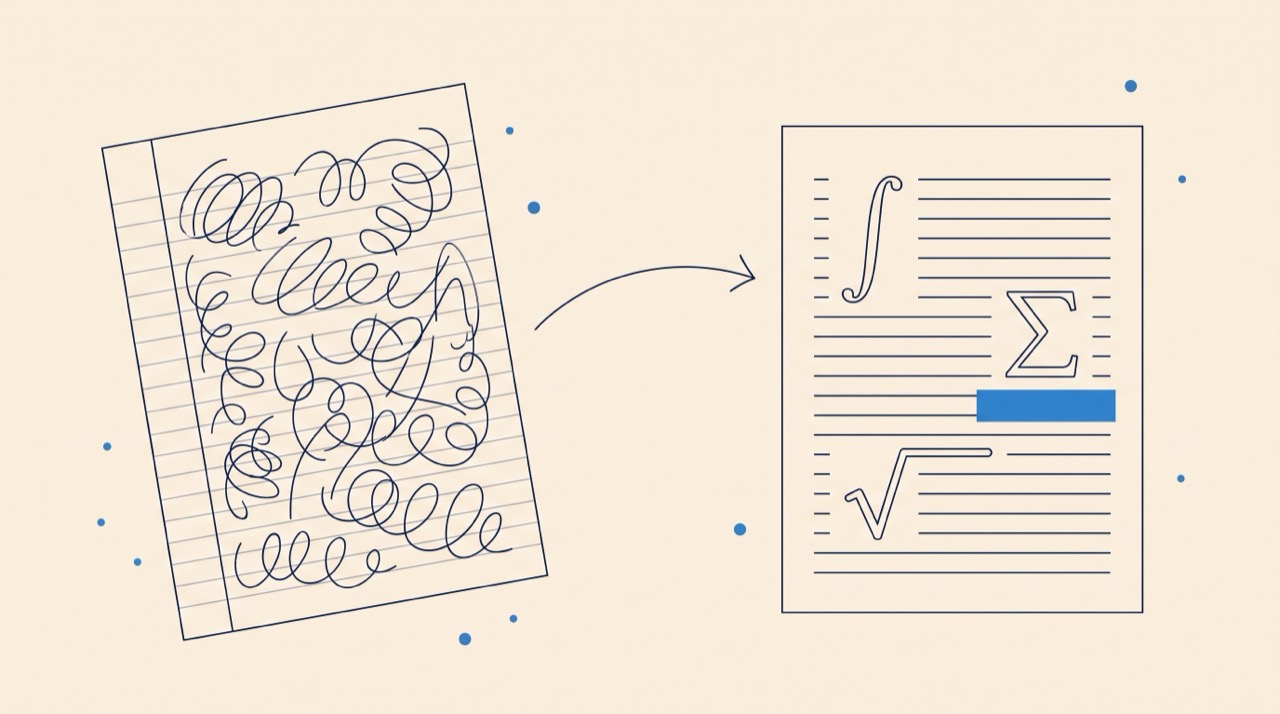
Sections become # headings, lists become Markdown lists, and tabular environments become pipe tables. Math survives as $...$ notation rather than being flattened to plain text — and since GitHub, GitLab, and most documentation sites render math with KaTeX or MathJax, your equations stay live, editable text instead of screenshots. Custom macros are expanded where possible; heavily package-dependent markup may need a quick manual pass.
Why convert LaTeX to Markdown?
A paper locked in a PDF travels badly. Markdown is what GitHub READMEs, project docs, course sites, and LLM pipelines read natively — converting lets a method section become a wiki page, an abstract become a project README, or a whole paper become searchable notes. It's also the cleanest way to move LaTeX content into note apps like Obsidian and Notion that speak Markdown.
Need the opposite conversion?
This page converts LaTeX into Markdown for documentation and publishing. To turn a Markdown note or .md file into a paper or thesis chapter, use the Markdown to LaTeX converter. Keeping the two directions on separate tools avoids mixing input and output expectations.
Frequently asked questions
Is this LaTeX to Markdown converter free?
Yes — completely free with no sign-up. It runs entirely inside your browser, so there are no usage limits.
Is my document uploaded anywhere?
No. The conversion happens entirely in your browser and your text never leaves your machine — safe for unpublished manuscripts.
Will my equations render on GitHub?
Yes. Equations convert to $...$ math notation, and GitHub renders that with MathJax in READMEs, issues, and Markdown files. For platforms without math rendering, LaTeX to Image exports equations as PNG or SVG instead.
Does it handle \cite and bibliographies?
Citation commands are preserved as text markers rather than resolved, since the .bib file isn't available. Generate the reference list separately with the Bibliography Generator or paste the rendered references.
Should I clean up my LaTeX first?
It helps. Removing unused packages and expanding custom macros before converting produces noticeably cleaner Markdown, since the converter translates what standard LaTeX expresses.