Converters
Converters
Markdown to LaTeX Converter
Convert Markdown notes to LaTeX instantly. Headings, lists, tables, and math carry over cleanly.
Input
Markdown Input
Loading converter...
Output
LaTeX Output
Paste Markdown, click convert, and your LaTeX code will appear here.
How to convert Markdown to LaTeX
- 1
Paste your Markdown
Drop your notes into the editor — headings, lists, tables, links, code blocks, and math all count. The sample shows the supported syntax.
- 2
Click Convert to LaTeX
The converter translates the document right in your browser. Nothing is uploaded, so unpublished work stays on your machine.
- 3
Copy or download the .tex
The output is body content, ready to paste into an existing document, a journal or conference template, or a thesis chapter. Download it as converted.tex if you prefer a file.
What converts, exactly?
Headings become \section and \subsection, numbered and bulleted lists become enumerate and itemize, pipe tables become longtable environments, and fenced code blocks become verbatim. Math is the best part: inline $...$ and display $$...$$ pass through as real LaTeX math, so equations written in your notes compile unchanged. Bold, italics, links, and blockquotes carry over too.
Why convert Markdown to LaTeX?
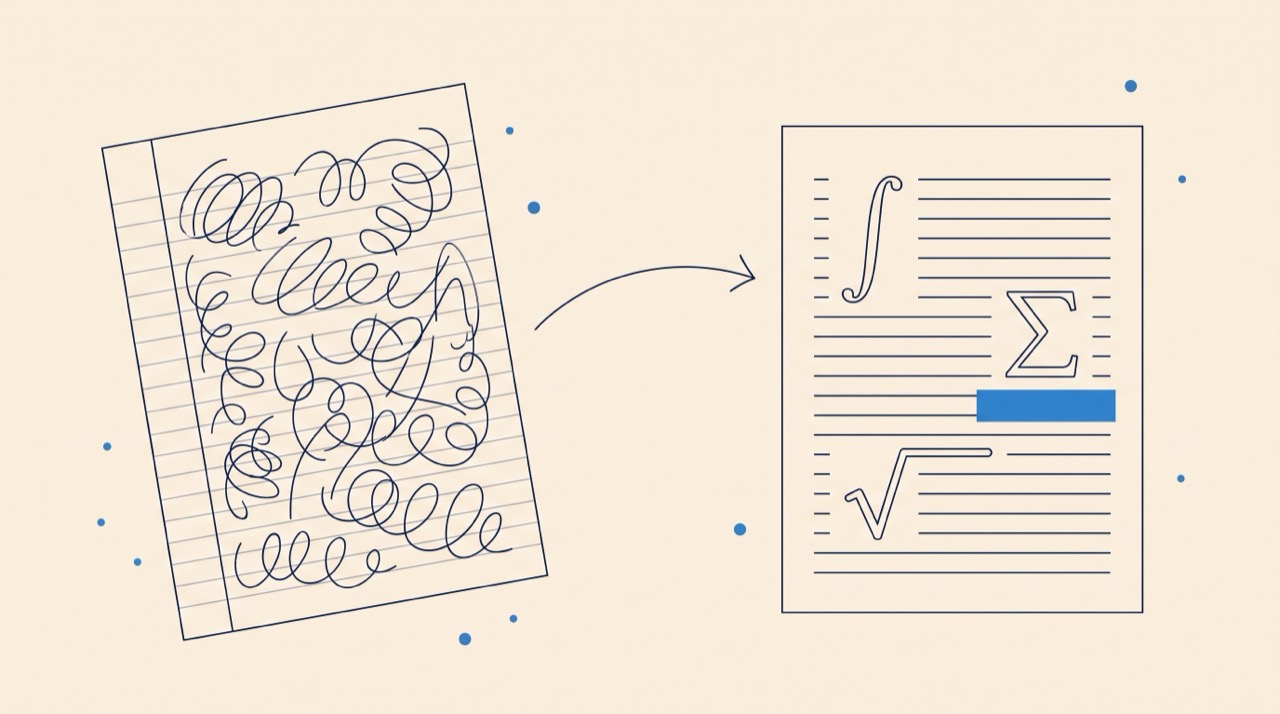
Markdown is the fastest way to draft — but the moment a note needs to become a paper, problem set, or thesis chapter, you need LaTeX: precise math typesetting, numbered cross-references, BibTeX citations, and the templates that journals and conferences actually require. Converting instead of retyping keeps the week of drafting you already did. If LaTeX is new to you, start with What is LaTeX? — and when the document outgrows a converter, Underleaf's AI tools turn images, PDFs, and handwriting into LaTeX too.
Common challenges converting Markdown to LaTeX
Most conversion problems come from features that have no exact one-to-one equivalent. Pipe tables usually become longtable, so the destination document may need \usepackage{longtable}. Raw HTML and platform-specific Markdown extensions may be omitted. Citation keys such as [@smith2024] need a bibliography workflow, and custom math macros still need the packages or definitions that created them. Convert first, then compile inside the target template and fix only the package-dependent pieces the compiler identifies.
Markdown file to LaTeX: a reliable workflow
Paste the contents of the .md file, convert it to a LaTeX fragment, and place that fragment inside the document body of your target template. Keep the template responsible for \documentclass, packages, margins, bibliography setup, and front matter. If you need the reverse direction for a README or documentation site, use the LaTeX to Markdown converter.
Frequently asked questions
Is this Markdown to LaTeX converter free?
Yes — completely free, with no sign-up. The conversion runs entirely inside your browser, so there are no servers, accounts, or usage limits.
Is my text uploaded anywhere?
No. The converter runs entirely in your browser. Your text never leaves your machine, which makes it safe for unpublished manuscripts and confidential notes.
Can I compile the output directly?
The output is body content without a preamble, which is what you want for pasting into an existing project. To compile it standalone, wrap it in \documentclass{article} ... \begin{document} ... \end{document}.
Why does the converted LaTeX table not compile?
Markdown pipe tables commonly convert to the longtable environment. Add \usepackage{longtable} to the destination document, or convert the table to a standard tabular environment if the target template does not allow longtable.
What Markdown features need manual cleanup?
Raw HTML, platform-specific extensions, citation keys without a bibliography, and custom math macros may need a manual pass. Standard headings, emphasis, links, lists, code blocks, tables, and dollar-delimited math convert predictably.
Do equations convert?
Yes. Inline $...$ and display $$...$$ math in your Markdown pass through as native LaTeX math — integrals, fractions, Greek letters, and matrices included.
Does it use AI?
No. This converter is deterministic — the same input always produces the same output, with no hallucinations. For sources that need AI — images, PDFs, handwriting — Underleaf's AI converters handle those.