Converters
Converters
PDF to Markdown Converter
Convert PDFs into clean Markdown with AI — equations become math notation, tables stay tables. Try a page free.
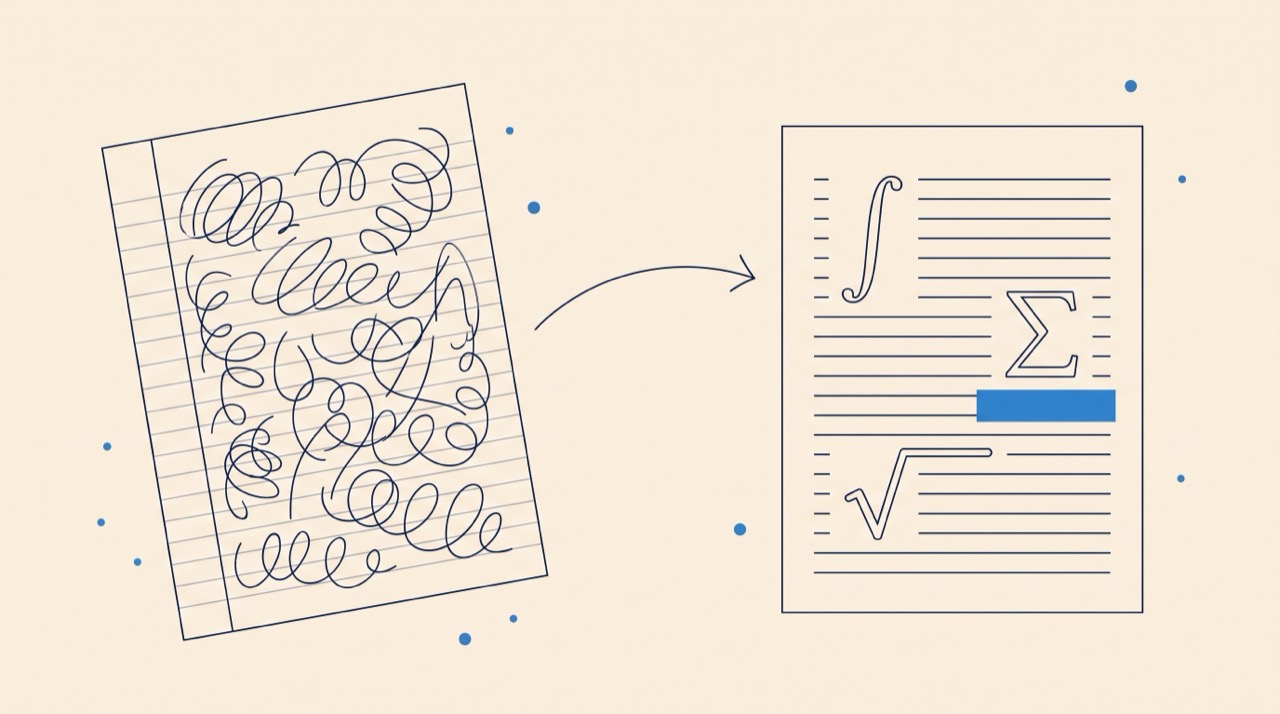
Reads scans & handwriting
AI-powered OCR converts pages plain text extractors can't touch.
Equations stay math
Formulas come back as $...$ notation — live text, not screenshots.
First page free
Try it on a real document right now — no account needed.
Input
PDF Document
Free preview converts the first page of one PDF. Sign up to convert full documents.
Output
Markdown Output
Your output will appear here.
How to convert a PDF to Markdown
- 1
Upload a PDF
Drop in any PDF up to 5MB — typed papers, scanned pages, even handwritten notes. The free preview converts the first page, no account needed.
- 2
Let the AI read it
OCR reads the page — including scans and handwriting — and an AI model reconstructs the structure: headings, paragraphs, tables, and equations as proper math notation.
- 3
Copy clean Markdown
Check the rendered preview, then copy or download the .md. Sign up to convert complete documents with credits included on the free plan.
What makes this different from a text extractor
Ordinary PDF-to-text tools scrape the character layer, which mangles equations into gibberish and loses every table. This converter reads the page the way a person does: equations come back as $...$ math notation that renders anywhere KaTeX or MathJax does, tables become editable pipe tables, and headings become real Markdown structure. And because it starts from OCR, it works on scanned documents and handwriting where text extraction returns nothing at all.
Why turn PDFs into Markdown?
A PDF is where content goes to stop being useful: you can't search it well, edit it, or feed it cleanly to other tools. Markdown is the opposite — it's what note apps like Obsidian and Notion, static-site generators, and LLM/RAG pipelines all ingest natively. Converting a paper, lecture handout, or old report to Markdown makes it editable, greppable text again. If you need compilable LaTeX source instead, the same pipeline powers PDF to LaTeX, and for whole back-catalogues of scanned documents there is a bulk digitization service.
Frequently asked questions
Is the PDF to Markdown converter free?
The first page of a PDF converts free with no account. Signing up unlocks full documents, with credits included on the free plan.
Does it work on scanned PDFs and handwriting?
Yes. The pipeline starts with OCR, so scans, photos of pages, and handwritten notes all convert — that's exactly where plain text extractors fail. For handwriting bound for LaTeX rather than Markdown, see Handwriting to LaTeX.
What happens to equations?
Equations are reconstructed as $...$ math notation rather than garbled text or images, so they render on GitHub, in Obsidian, and anywhere else KaTeX or MathJax runs.
Do tables survive?
Yes — tables come back as Markdown pipe tables you can edit directly, not as images or collapsed text.
Why is Markdown good for LLM and RAG pipelines?
Language models handle clean structured text far better than raw PDF extractions. Markdown preserves headings, lists, tables, and math in a form models parse reliably, which makes it the de facto ingestion format for RAG systems.
Is my PDF stored?
The page is processed to produce your conversion and the final Markdown formatting happens in your browser. Full-document conversions in the app are tied to your account, where you control your files.