Underleaf Logo
Underleaf
UniversitiesAccessibilityBlogPricing
Log InTry Free
All tools

Teaching & Faculty

Teaching & Faculty

LaTeX Syllabus Generator

A clean, typeset syllabus for any course, fill the form, get a .tex file you can compile and post to your course site.

Input

Course details

The LaTeX preview updates as you type

Output

Syllabus LaTeX

Compile with pdflatex, no extra packages needed

\documentclass[11pt]{article} \usepackage[margin=1in]{geometry} \usepackage{titlesec} \usepackage{enumitem} \usepackage{hyperref} \usepackage{xcolor} \titleformat{\section}{\large\bfseries\color{teal!70!black}}{\thesection}{1em}{} \setlist{noitemsep,topsep=2pt} \title{\textbf{Introduction to Machine Learning} \\ \large CS 229 \ -- \ Fall 2026} \author{Prof. Jane Smith \\ \texttt{jsmith@university.edu}} \date{} \begin{document} \maketitle \vspace{-1.5em} \begin{center} \textbf{Class meeting:} MWF 10:00-10:50 AM \quad | \quad \textbf{Room:} Gates B03 \\ \textbf{Office:} Gates 312 \quad | \quad \textbf{Office hours:} Tuesdays 2-3 PM and by appointment \end{center} \section*{Course Description} An introduction to the field of machine learning, including linear regression, classification, neural networks, support vector machines, dimensionality reduction, and reinforcement learning. Emphasis on mathematical foundations and practical implementation. \section*{Learning Outcomes} By the end of this course, students will be able to: \begin{itemize} \item Formulate a real-world problem as a machine learning task with clear inputs, outputs, and evaluation criteria. \item Implement and train regression, classification, and neural network models from scratch. \item Diagnose under- and over-fitting and apply appropriate regularization. \item Critically evaluate ML papers and identify methodological strengths and weaknesses. \end{itemize} \section*{Required Texts} Hastie, Tibshirani, Friedman, \textit{The Elements of Statistical Learning} (free online). Supplementary readings posted weekly. \section*{Grading} 5 problem sets (40\%), midterm exam (25\%), final project (30\%), participation (5\%). \section*{Schedule} \begin{tabular}{p{2cm} p{6cm} p{4cm}} \textbf{Week} & \textbf{Topic} & \textbf{Readings / Assignments} \\ \hline 1 & Introduction and linear regression & HTF Ch. 1-3 \\ 2 & Logistic regression & HTF Ch. 4; PS1 due \\ 3 & SVMs and kernels & Bishop Ch. 7 \\ 4 & Decision trees and ensembles & HTF Ch. 9-10; PS2 due \\ 5 & Neural networks & DL Ch. 6; project proposal due \\ 6 & Midterm exam & \\ 7 & CNNs and computer vision & DL Ch. 9 \\ 8 & Sequence models & DL Ch. 10; PS3 due \\ 9 & Unsupervised learning & HTF Ch. 14 \\ 10 & Reinforcement learning & Sutton \& Barto \\ 11 & Fairness and ethics & Selected papers; PS4 due \\ 12 & Project presentations & \\ \end{tabular} \section*{Course Policies} \textbf{Academic integrity:} Discussion of problem sets is encouraged; copied solutions are not. \textbf{Late work:} Each student has 5 late days for problem sets; after that, 10\% per day. \textbf{Accommodations:} Students requiring accommodations should contact the disability office and forward documentation to me by the second week of the semester. \end{document}

Write your syllabus in Underleaf

Underleaf is an AI LaTeX editor with inline writing help, image-to-LaTeX, and a citation finder. Open this template, edit with AI assistance, or pair with the Chrome extension to use inside Overleaf.

Try Underleaf free

A syllabus that looks like you wrote it, not Microsoft Word

The default LaTeX article class produces a syllabus that signals you take the course seriously. Headings are colored (teal by default, change the \titleformat color in the preamble), the schedule is in a proper table, and the layout works for everything from a 10-week quarter to a 16-week semester. Drop the .tex into your LaTeX workflow of choice.
Related tools

Explore More Tools

Image to LaTeX

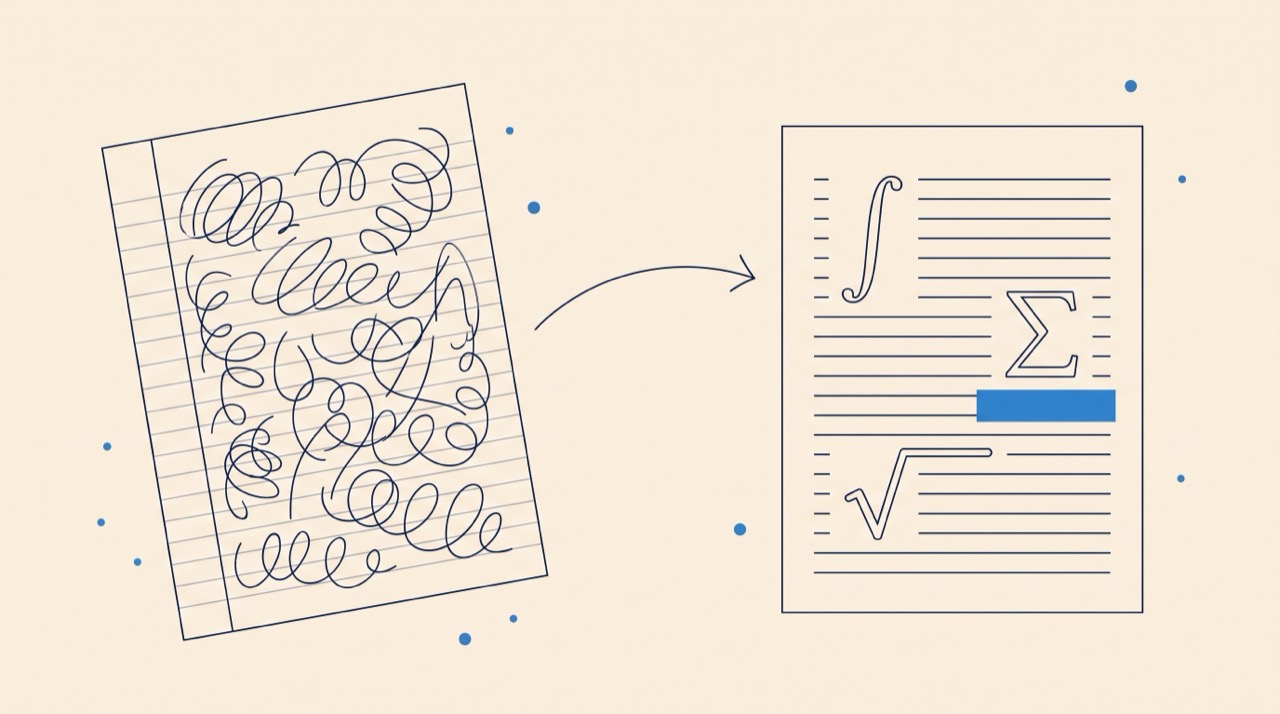
Convert images of notes, equations, or tables to LaTeX code.

Equation to LaTeX

Convert equations to LaTeX code from text or images.

Table to LaTeX

Convert tables to LaTeX code from text or images.

Excel to LaTeX

Convert Excel spreadsheet data to LaTeX tables.

Try more tools for free

Create an account to unlock all features

More file conversions

AI writing tools

PDF preview

100% free to try

Get started for free
Underleaf Logo
Underleaf

Empowering students and researchers with AI-powered tools for academic writing.

Go to appContact us

Company

PricingBlogTutorialsAffiliate Program

Free Tools

Image to LaTeXExcel to LaTeXArXiv to LaTeXTikZ GeneratorThesis GeneratorChrome ExtensionAll Tools

© 2026 Underleaf. All rights reserved.