Teaching & Faculty
Teaching & Faculty
Lecture Notes to LaTeX
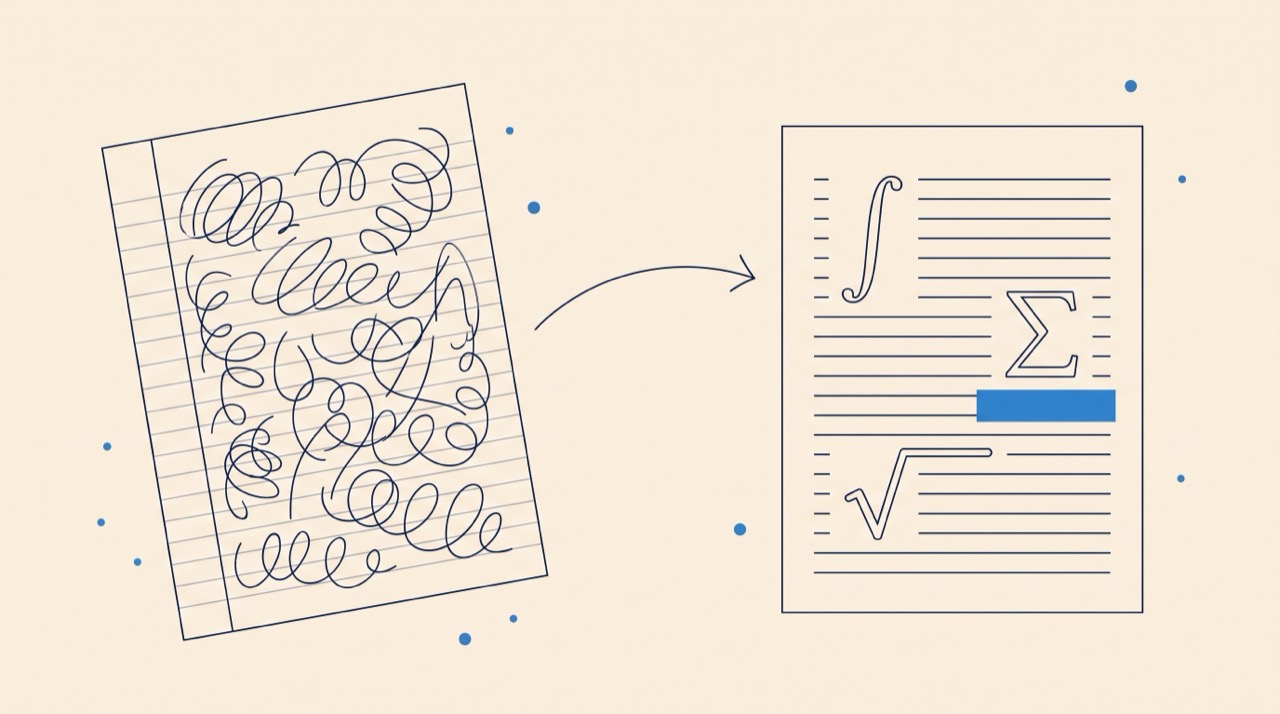
Drop a PDF, scan, or whiteboard photo, get typeset LaTeX lecture notes ready to share with your students.
Input
Upload your notes
PDF, scanned image, or whiteboard photo, multiple files supported
Drag PDFs, images, or scans here
or click to browse, accepts PDF, PNG, JPG · up to ~50MB
Convert securely in Underleaf, your files stay private and yours.
1. Drop your file
PDF, image, or scan, up to several hundred pages.
2. AI converts to LaTeX
Equations, figures, and structure preserved.
3. Edit, compile, share
Polish in our editor, compile to PDF, post to your course.
Built for professors, not just for students
If you teach math, physics, CS, or engineering, you've already done the hard work, derived the proof on the board, written the handout, sketched the figure. Underleaf turns those artifacts into clean LaTeX you can post to your course page, fold into your textbook draft, or hand to a TA. Equations come through as math mode, figures are extracted and labeled, and the structure (sections, definitions, theorems) is inferred from your headings.
Other starting points
Whiteboard photos → LaTeX
Snap the board at end of class, drop the photo in, and get clean LaTeX with derivations and definitions intact.
Handwritten notes → LaTeX
iPad notes, paper scans, or office-hour scribbles, converted to typeset LaTeX with theorem and proof environments.
PDF slides → LaTeX
Reuse a colleague's slide deck as the basis for your own lecture notes, with equations and figures preserved.
Image of a single equation
When you just need to retype one messy formula from a paper, paste a screenshot, get LaTeX.
What converts well, and what doesn't
Equations, matrices, and typeset math come through with high accuracy, that's the core of our handwriting-to-LaTeX engine. Figures and diagrams are extracted and inserted as image placeholders, ready to be redrawn in TikZ if you want vector output. Long prose passages with marginalia or arrows tend to need editing, but the equations and structure are usually re-usable straight away.
Stop retyping your own handwriting
Upload a semester's worth of board photos and walk away with shareable LaTeX notes by tomorrow. Free to try.