Writing Tools
Writing Tools
Graphical abstract maker
Give your research a clear reading order. Write the question, approach and takeaway, choose a layout, and export a first draft you can refine.
Choose a starting structure
The layout builder and downloads are free. AI customization opens a starter with your text in the prompt and uses Underleaf credits when you send it.
Start with the story your results support
A graphical abstract is a visual summary of a study. The reader should be able to identify the problem, understand the approach and find the main takeaway without searching through paragraphs of text.
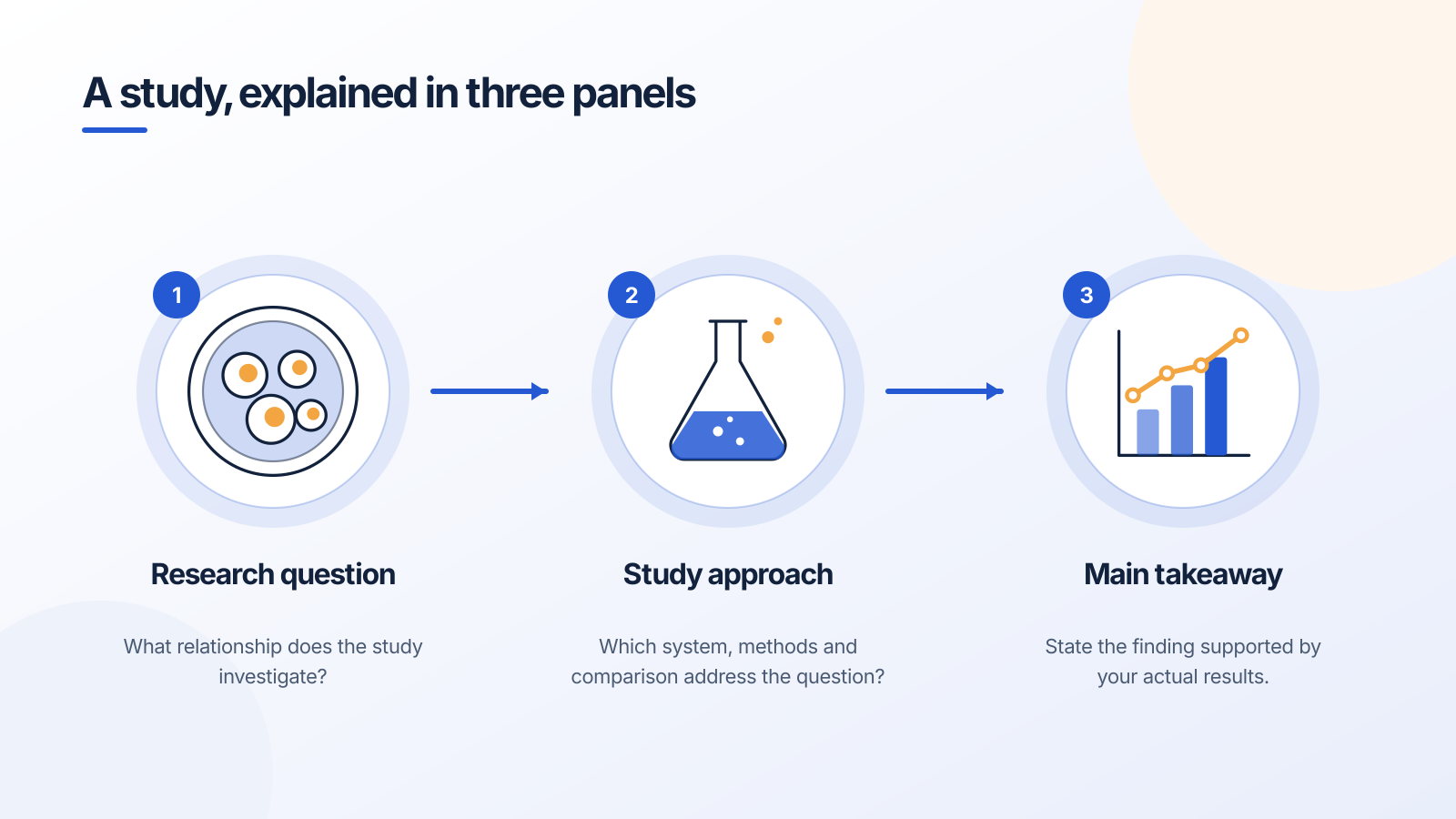
Use the first panel to establish what is being investigated. Use the middle panel to show the method or relationship necessary to understand the study. Use the final panel for the actual conclusion. The default text here is a writing prompt, not a research finding.
If you have not collected results yet, label the figure as a proposed workflow or study design. A hypothesis should remain visibly different from an observed outcome.
Choose the right starting structure
- Question → approach → takeaway: a general research overview with one central finding.
- Experimental workflow: a methods explanation where the sequence is the main information.
- Signaling overview: a simplified reception → transduction → response model. Add the actual molecular detail only when it belongs in your explanation.
This builder establishes the panels, text hierarchy and reading direction. Continue in a compatible SVG editor to assemble your own visuals, or open Figure Maker with the prepared prompt to explore an AI-assisted version.
Export and refine
The SVG download keeps text and shapes separate. The PNG download is useful for slides and document drafts. Keep the text short enough to read at the final display size; increasing the export size will not rescue a crowded layout.
For a journal, use its current graphical-abstract dimensions, file types, licensing requirements and AI policy. A visually polished draft is not evidence that the publication accepts that method of creation.
Frequently asked questions
Further reading: Elsevier graphical-abstract guidance and current AI policy.
Try it free
Give the story a visual starting point.
Open your chosen structure in Figure Maker, with a prompt prepared from the text above.
Starter examples are free to open. AI generation and edits use credits.