
Underleaf Figure Maker
Create professional scientific figures with AI.
Labeled cell diagrams, biology illustrations and math figures for your paper, lecture or presentation. Start from a free example, describe the change you want in plain language, and export a PNG that drops straight into your document.
Free examples · Editable labels · PNG download
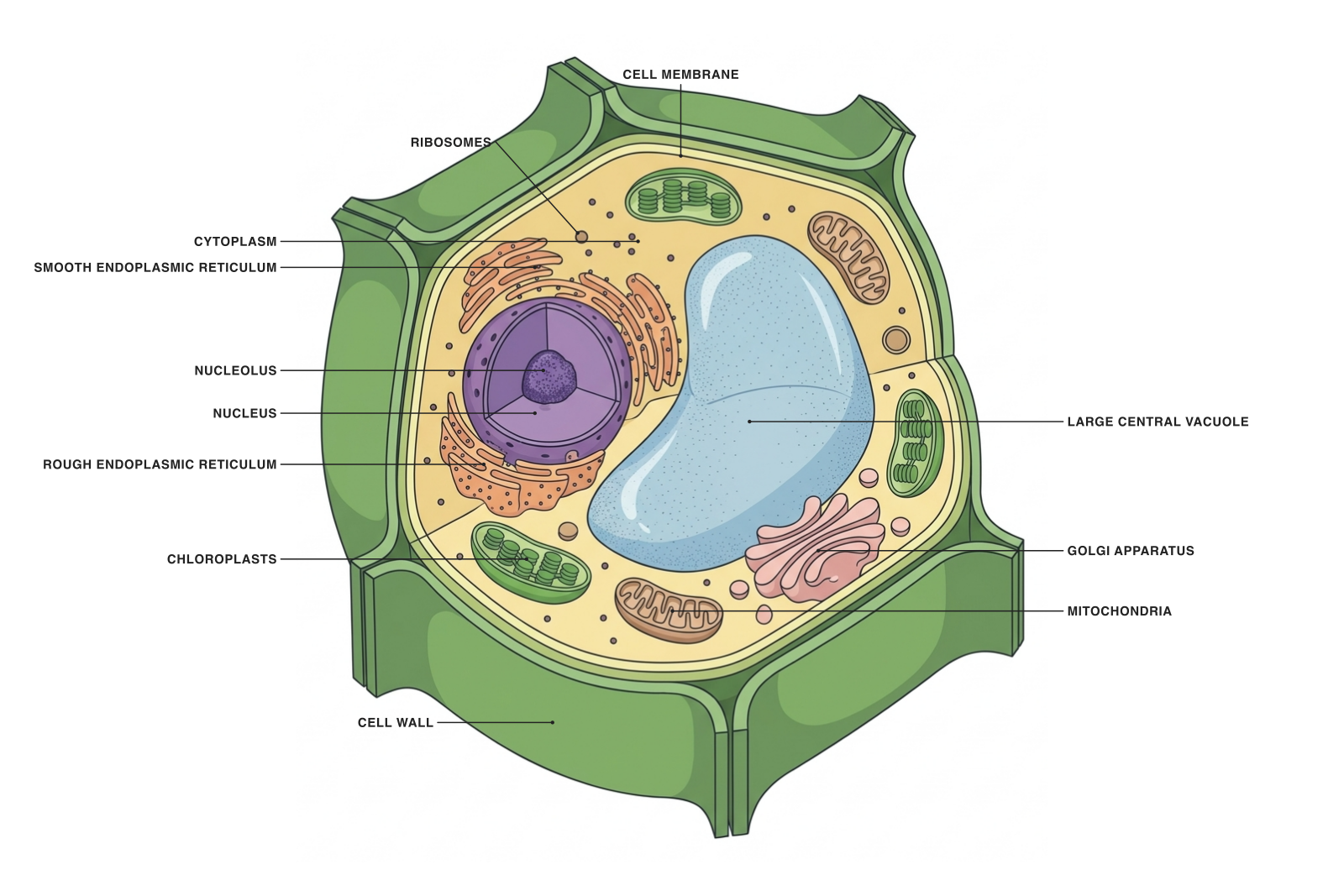
A starting point, already drawn
Spend your time on the explanation.
Open an existing figure to explore its labels, or describe a new illustration. Choose a starting point close to the story you want to tell.
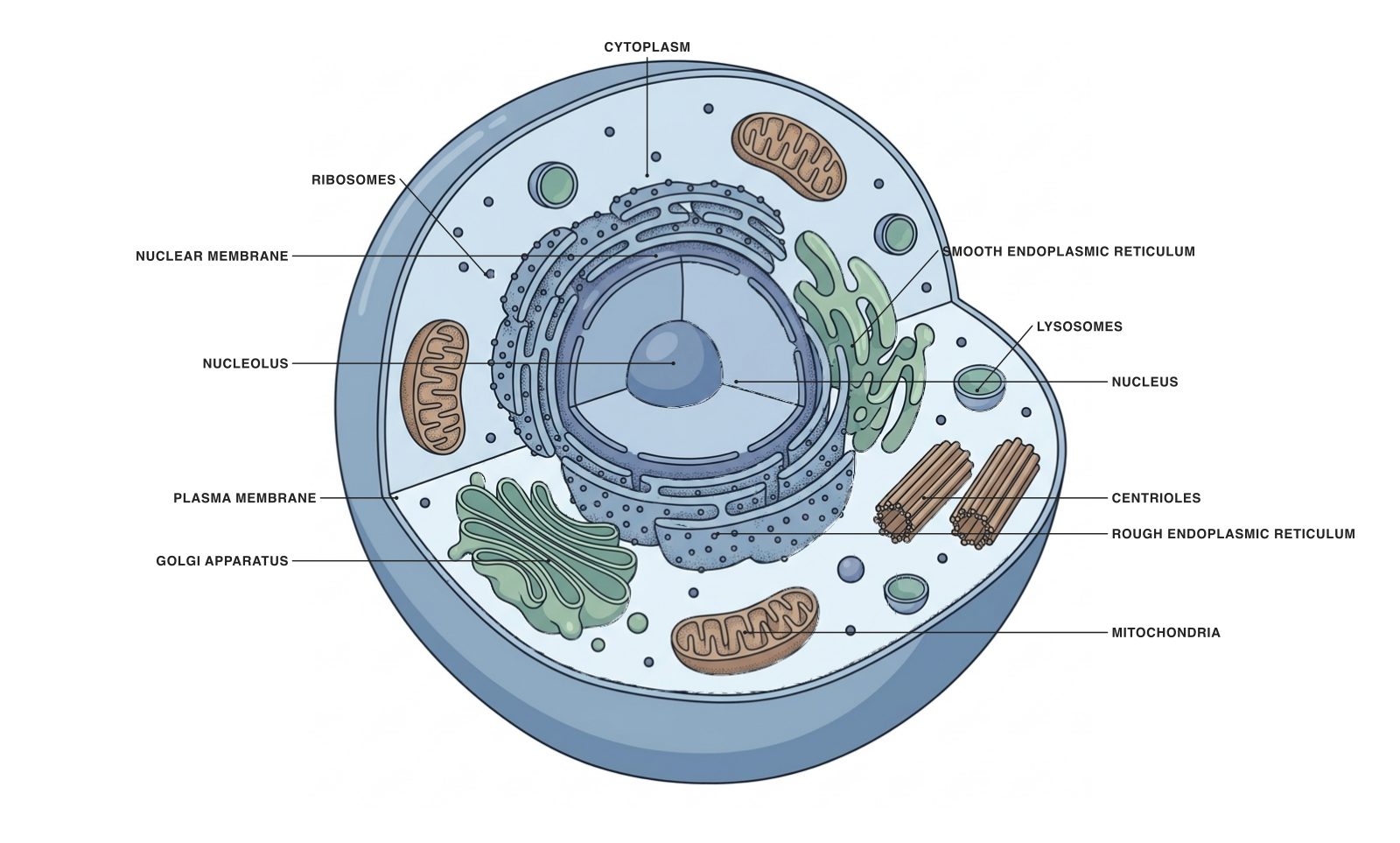
Biology, clearly labeled
Cells, organelles and biological structures, with explanations of what each part does.
Explore
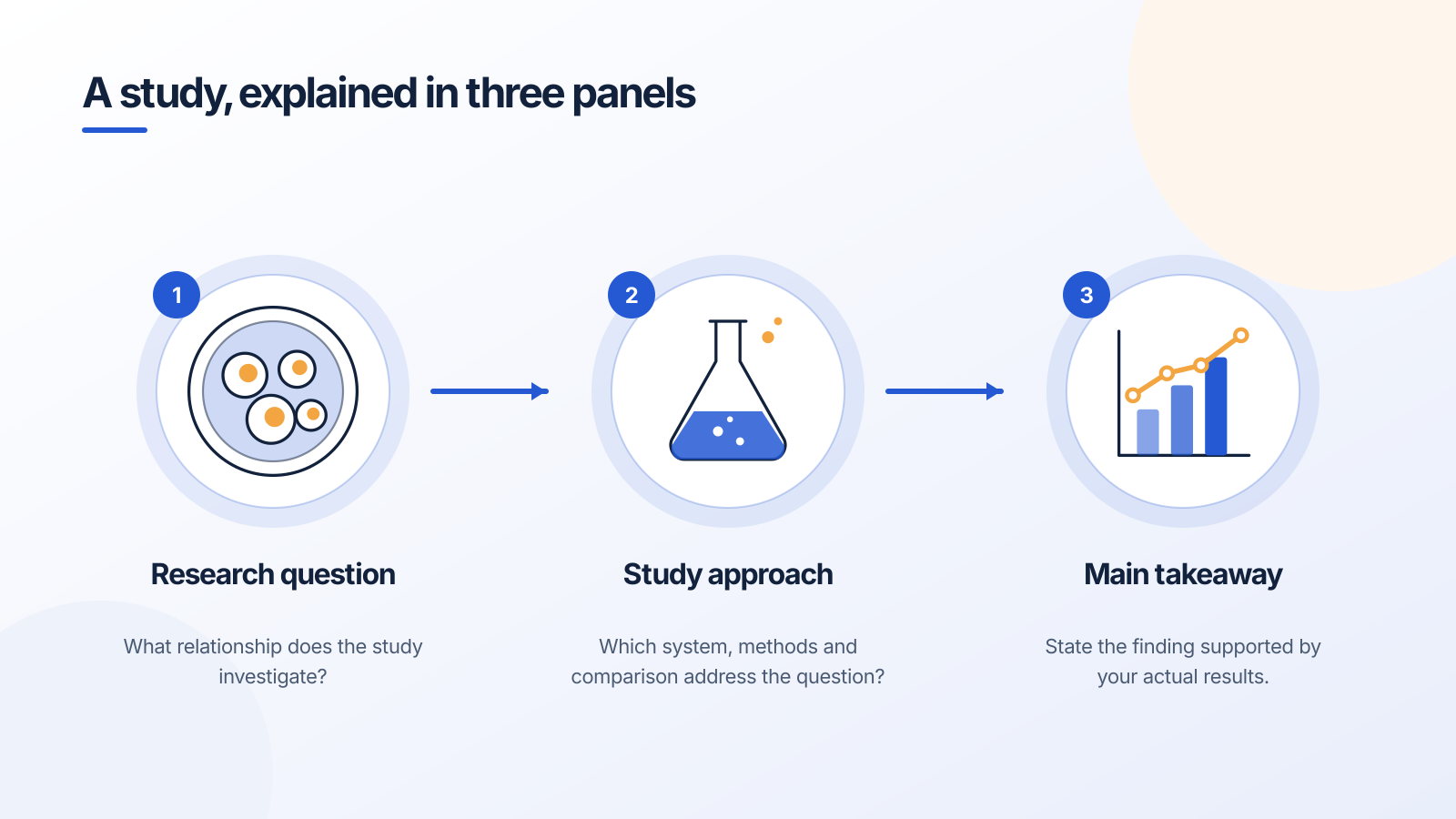
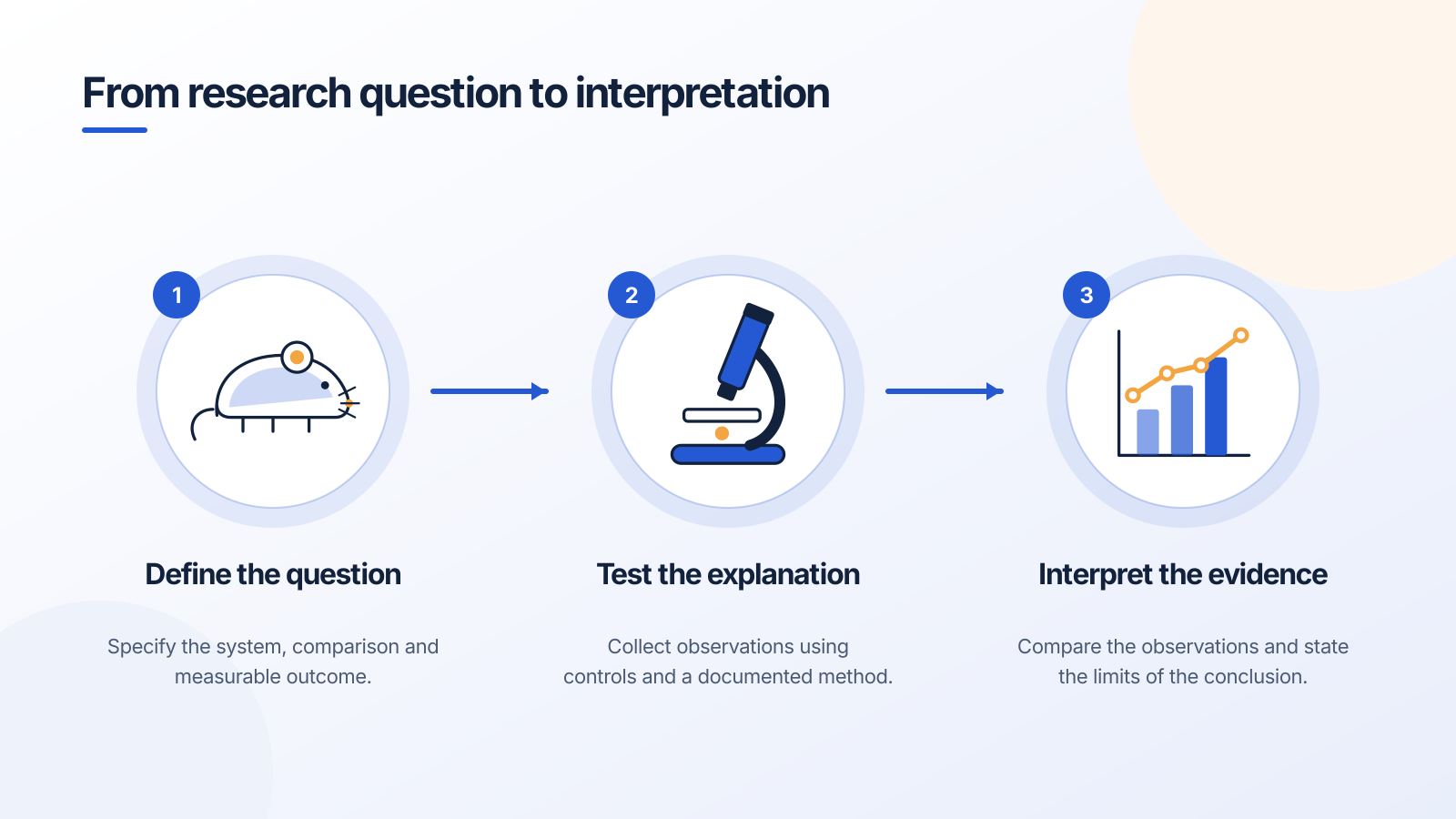
Research, in one view
Build an editable three-panel overview of a question, approach and takeaway.
Explore
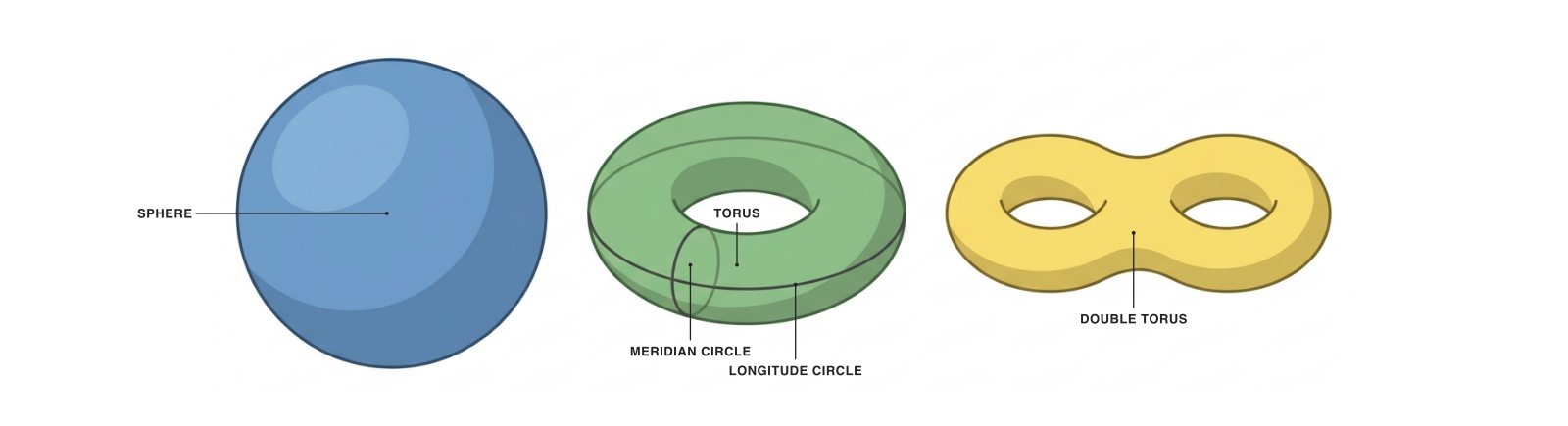
Mathematics, made visible
Use geometric and topological illustrations to support a definition or explanation.
Explore
From a first idea to a figure you can use.
Start with your subject
Load a free example or describe the structures, labels and relationships you need. State whether the audience is a first-year class, a lab group or a specialist reader.
Refine the details
Move and rename labels directly. Describe an AI edit when you need a structural change. Keep an earlier version available while exploring a different explanation.
Bring it into your work
Download a PNG for a slide or document. The labels stay editable in Figure Maker, so you can come back, adjust a name or a position, and export again.
For the next thing you need to explain
One figure. Several useful versions.
A detailed diagram for your notes. A simpler version for your lecture. An unlabeled version for a class discussion.
Reuse a strong starting point instead of reconstructing every label. For research communication, use Figure Maker to explore concepts and explanatory illustrations, then check the scientific details and the requirements of the place you will share them.
See the teaching workflowTry a useful first edit
“Keep the plant cell structure. Simplify the labels for an introductory lecture, and emphasize the chloroplasts and central vacuole.”
Open this starting pointA tool for the figure you need.
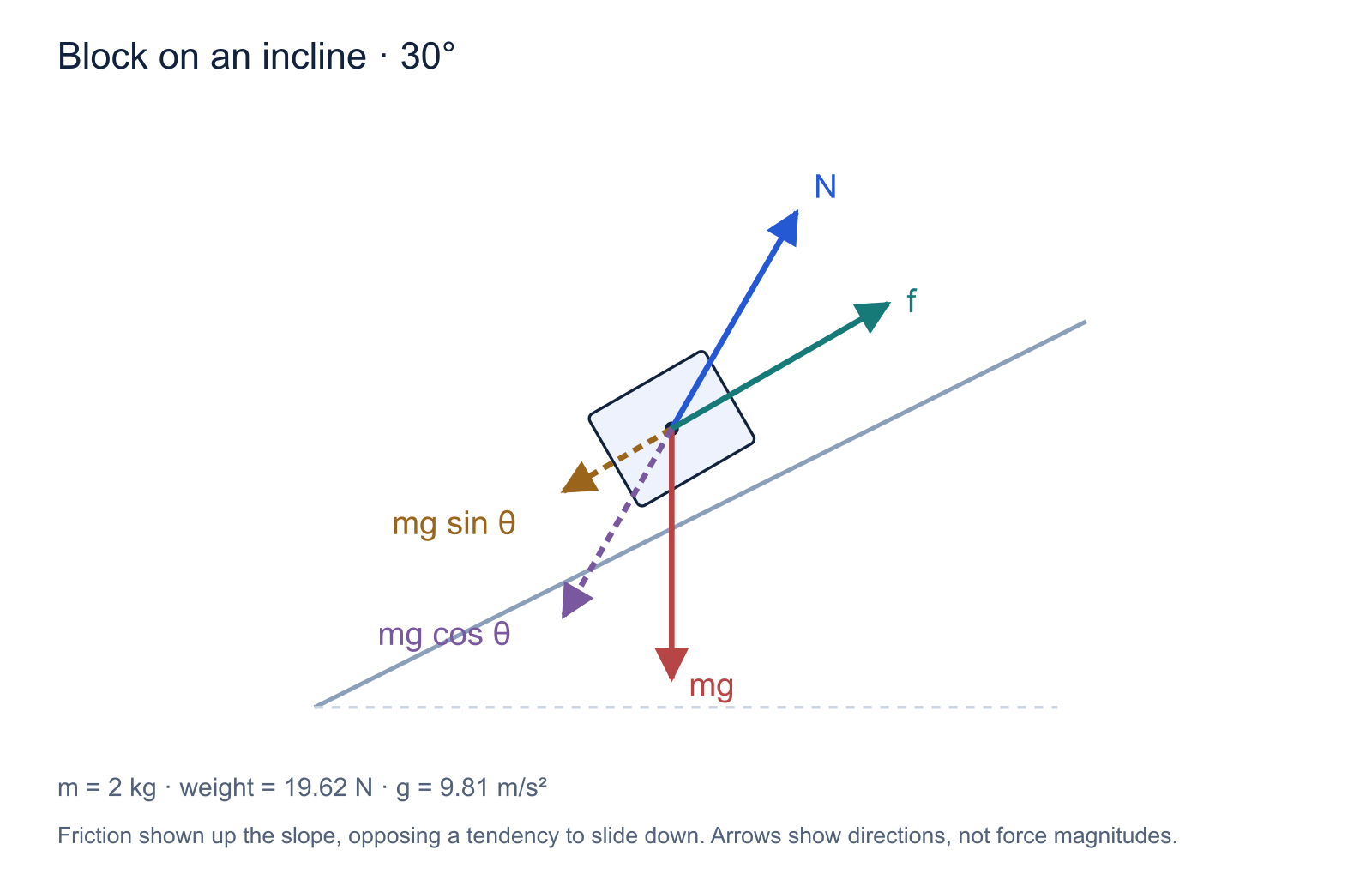
Free body diagram maker
Set the incline, add force vectors, and download a clean SVG, PNG or TikZ diagram.
Explore
Scientific figure templates
Start with an experimental workflow, a signaling schematic or a mathematical illustration.
Explore
The figure-making workflow
A practical guide to choosing a layout, writing a prompt, checking your output and exporting it.
Explore
Part of your Underleaf toolkit
Make the next figure easier, too.
Use the same Underleaf account for Figure Maker and your LaTeX tools. The Essentials and Pro plans provide monthly credits for work across the app.
A new AI illustration uses 10 credits; an AI edit uses 2. Opening a starter is free. The app shows the cost before you send a request.
For example, a new illustration plus three AI edits uses 16 credits. Your remaining allowance also depends on any other Underleaf tools you use.
Choosing a tool for scientific diagrams?
Compare the kind of figure you create, the edits you need, the export formats, and how the tool fits into your writing workflow. We ranked the options researchers actually use, from AI figure makers to general-purpose drawing apps.
See the 5 best tools for scientific diagrams →Preparing a journal submission?
Use the target journal’s current image and AI policies. Scientific accuracy, publication permission and file-format requirements are separate checks.
Read the export guide →Questions about Figure Maker
Try it free
Make the figure that makes it click.
Start with a cell diagram, a research workflow or a mathematical illustration. Shape it around the explanation you need to give.
Starter examples are free to open. AI generation and edits use credits.